Uxvionian
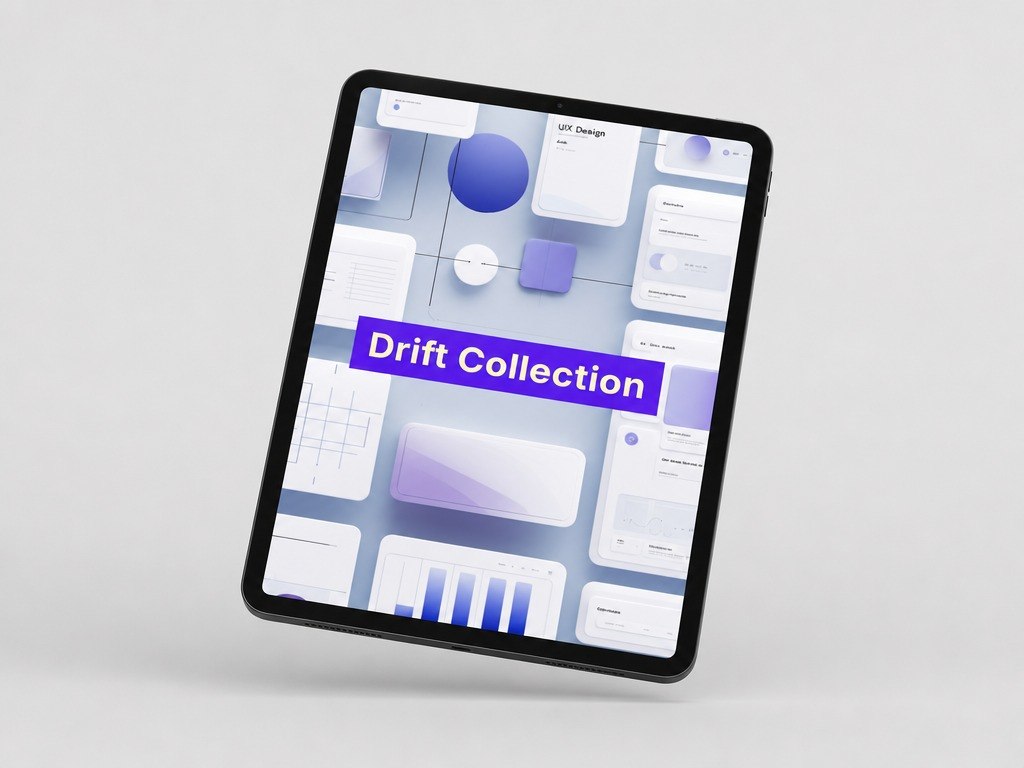
Drift Collection
Drift Collection
Couldn't load pickup availability
- 📁 Digital file available after purchase
- 🗂️ Long-term availability
- 🔐 Secure checkout
- 📝 Content updated in 2026
Self-paced learning overview
1. Problem Statement
When an interface has several stages, a designer needs to think not only about separate screens but also about how user behavior changes along the way. A person may begin the path with interest but lose orientation because of unclear cues, extra actions, or inconsistent structure. The issue often appears where the scenario seems clear to the creator but not obvious to the user. Another challenge is working with hesitation points: when a user does not know what will happen after clicking, choosing, or filling in a field. Drift Collection was created to help learners work more carefully with behavior, transitions, and micro-decisions in UI/UX design.
2. Solution
Drift Collection explains how to analyze user movement through stages, intentions, doubts, cues, and interface reactions. The materials help learners see how small elements — button labels, step order, messages, empty states, and explanations — affect the overall perception of the path. Learners study a scenario not only from the designer’s view but also from the view of a person seeing the page for the first time. The course shows how to reduce confusion through clear transitions, logical labels, and thoughtful reactions after actions. This collection is for those who want to explore UX behavior more deeply and create more consistent interaction scenarios.
3. What’s Inside
- Module 1: User Movement in an Interface — how a person moves between screens, sections, and actions.
- Module 2: Intention and Expectation — how to understand what the user wants to do at each stage.
- Module 3: Hesitation Points — how to identify places where a person may stop or not understand the next step.
- Module 4: Microcopy and Explanations — how short phrases help make actions clearer.
- Module 5: Empty and Intermediate States — how to design situations where data is not present yet, an action is in progress, or clarification is needed.
- Module 6: Behavior After Action — how an interface should react after clicking, choosing, entering, or changing something.
- Module 7: Returning and Correction — how to think through scenarios where a user changes a choice or goes back to a previous step.
- Module 8: User Route Review — how to examine a digital path through interaction points.
- Module 9: Practical Scenario Scheme — how to create a user movement map with actions, doubts, and screen reactions.
4. Who Is This For?
✅ Good fit if you:
- already understand the basic structure of interfaces and scenarios;
- want to analyze user behavior more carefully;
- want to work with transitions, states, cues, and microcopy;
- want to notice where a scenario may become unclear;
- enjoy practical schemes, route review, and detailed work with interaction logic.
❌ Not for you if you:
- are looking only for an introductory UI/UX overview;
- do not want to work with behavioral scenarios;
- expect claims about career or financial outcomes;
- are looking for learning tied to specific programs or third-party services;
- want to focus only on the visual appearance of screens without analyzing user movement.
5. What You’ll Learn
- Analyze user movement between screens, sections, and actions.
- Define user intention at different stages of a scenario.
- Notice hesitation or confusion points in a digital path.
- Write clear microcopy for buttons, cues, and messages.
- Describe empty, intermediate, and changed screen states.
- Explain how an interface should react after a user action.
- Think through returning, changing choices, and correcting errors within a scenario.
- Create a user route map with interaction points.
- Complete a practical scenario review and suggest structural changes.
6. Support and Return Terms
- You may contact the Uxvionian team within 30 days after purchase if the material format does not match your expectations.
- Requests are reviewed according to the rules listed on the website.
- The team helps with questions about materials, module flow, and learning format.
- Drift Collection does not include loud outcome claims; it offers structured materials for gradual UI/UX skill development.
1. Are the courses suitable if I am just starting with UI/UX design?
1. Are the courses suitable if I am just starting with UI/UX design?
Yes, the materials are structured so learners can move step by step: from basic concepts to more detailed design decisions. Each plan includes a clear learning path that helps explain interface logic, user flows, and visual presentation.
2. Can I study at my own pace?
2. Can I study at my own pace?
3. How are the plans different from each other?
3. How are the plans different from each other?
The plans grow in the amount of materials, number of practical tasks, topic depth, and level of detail. Introductory plans cover the basics, while higher collections include more scenarios, examples, structures, and complex assignments.
Share