
Learn UI/UX Design Through Clear Screen Structure
As seen on


-
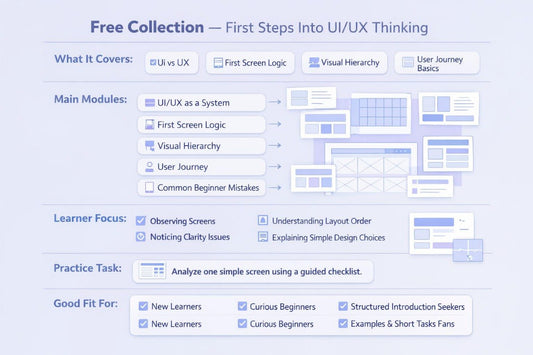
Free Collection
Regular price €0,00 EURRegular price -
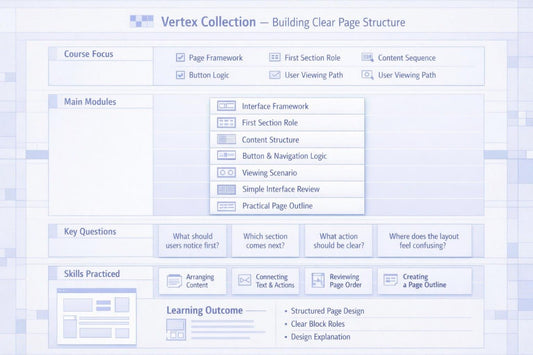
Vertex Collection
Regular price €35,00 EURRegular price -
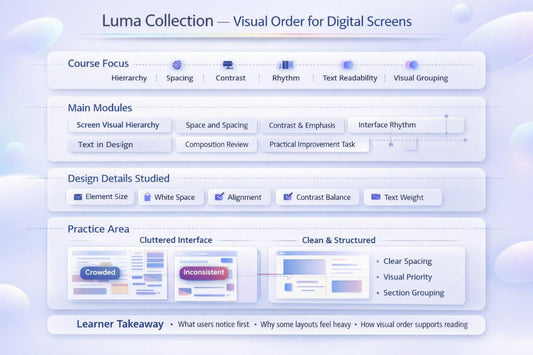
Luma Collection
Regular price €150,00 EURRegular price -
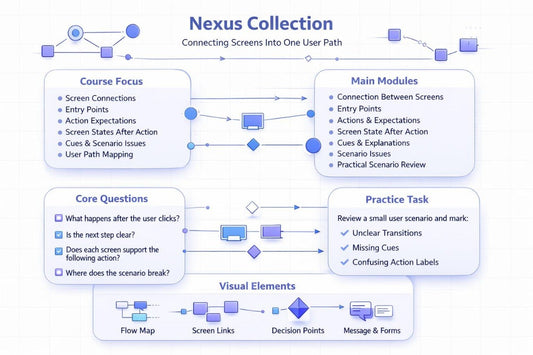
Nexus Collection
Regular price €246,00 EURRegular price -
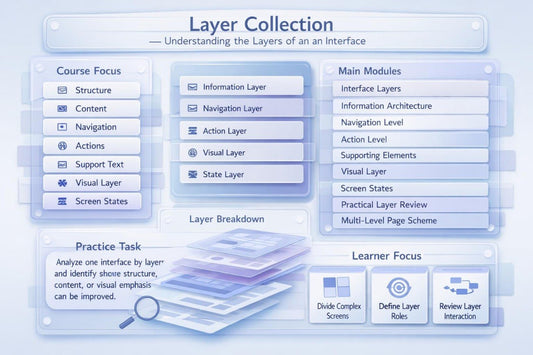
Layer Collection
Regular price €301,00 EURRegular price -
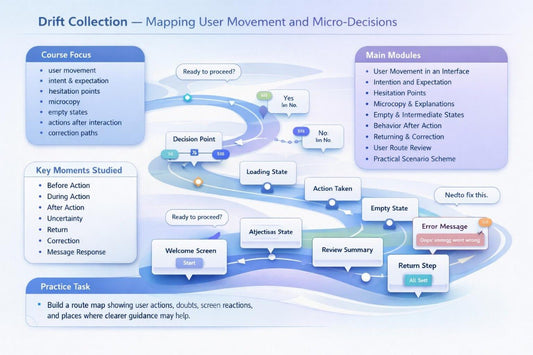
Drift Collection
Regular price €401,00 EURRegular price -
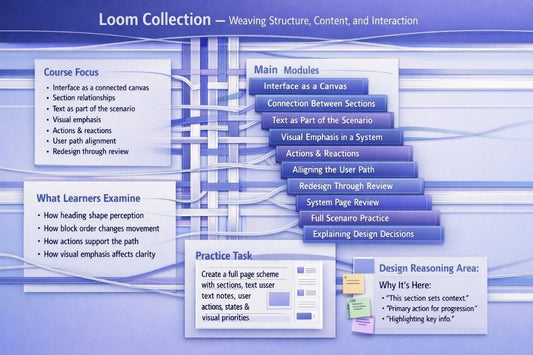
Loom Collection
Regular price €501,00 EURRegular price -
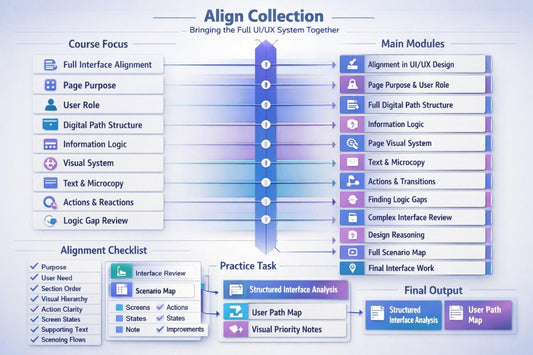
Align Collection
Regular price €601,00 EURRegular price








How Uxvionian Grew From Working Notes Into a Learning Space
The People Who Turn Design Into Clear Learning Paths
-

Jeannie Craig
UI Layout Designer
-

Josie Quinn
User Flow Designer
-

Stanley Grant
Visual Hierarchy Designer


Design That Begins With a Careful Look

Not Just Lessons — A Design Lens for Daily Decisions
-

Thoughtful Layouts
Learn how screen sections,
spacing, text, and actions
work together inside a digital
interface. -

User Pathways
Study how people move through
screens, make choices, return to
previous steps, and understand
what happens next. -

Design Reasoning
Practice explaining why a
section, button, text block,
or visual accent belongs in a
specific place.


Learning Stories Without Loud Claims
-

Joseph Morris
He came to Uxvionian after several attempts to
study UI/UX design on his own through scattered
materials that lacked a clear order. He found it useful
that the course explains screen structure, section roles,
and user paths through short modules and practical
examples.
“I finally understood why a screen should be built in a
certain order, not just arranged to look nice.” -

Mariana Marsh
She started studying UI/UX design after working with content and wanted to better understand how text,
structure, and user actions are connected. She
appreciated the format with examples, checklists, and
tasks that allow learners to examine a screen piece by
piece at a calm pace.
“I liked that the course did not rush me; every section
gave me a reason to look closer at the interface.”


Look Inside the Learning Paths
Study Where Your Materials Are Easy to Open


A No-Cost Starter Design Kit
