1
/
of
4
Uxvionian
Loom Collection
Loom Collection
Regular price
€501,00 EUR
Regular price
Sale price
€501,00 EUR
Taxes included.
Quantity
Couldn't load pickup availability
- 📁 Digital file available after purchase
- 🗂️ Long-term availability
- 🔐 Secure checkout
- 📝 Content updated in 2026
Colection Progress
Self-paced learning overview
Progress is self-managed based on completed modules.
Self-paced learning overview
1. Problem Statement
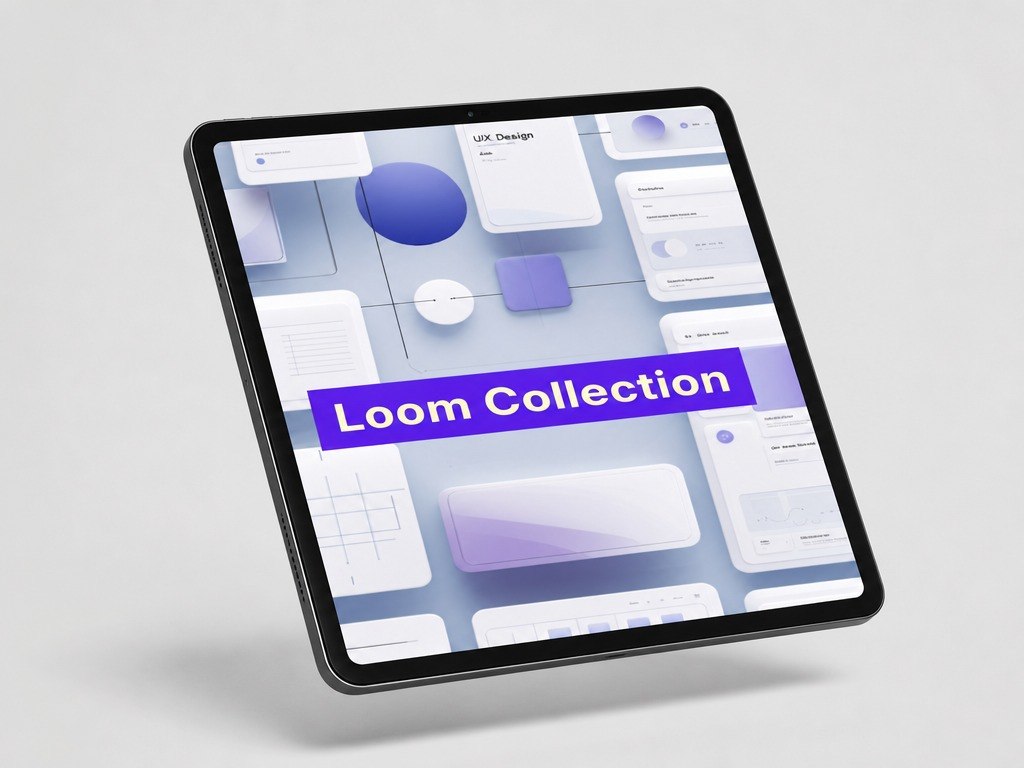
At more advanced learning stages, a designer needs to connect many different decisions into one clear system. Structure, visual hierarchy, user scenarios, and microcopy may each feel understandable on their own, but the challenge appears when they need to work together. If these parts are not aligned, a page can feel fragmented, even when each separate element seems appropriate. It can also be difficult to decide what needs to change: section order, text, spacing, emphasis, action, or the scenario itself. Loom Collection was created to help learners view an interface as a woven system where content, structure, and user behavior work together.
2. Solution
Loom Collection explains how to combine different levels of UI/UX design into one coherent digital experience. The materials help learners examine a page not as fragments, but through the relationship between sections, text, actions, states, and visual emphasis. Learners study how changing one element affects the whole scenario: for example, how a different heading changes the perception of a section or how a new section order changes user movement. The course also shows how to conduct a detailed interface review and form reasoned design conclusions. This collection is for those who want to work with UI/UX not only at the level of separate elements, but at the level of a coordinated system.
3. What’s Inside
- Module 1: Interface as a Canvas — how to view a page as a combination of content, structure, actions, and visual logic.
- Module 2: Connection Between Sections — how sections support one another and shape a clear perception flow.
- Module 3: Text as Part of the Scenario — how headings, descriptions, cues, and action labels affect page understanding.
- Module 4: Visual Emphasis in a System — how to highlight what matters without disturbing the overall composition.
- Module 5: Actions and Reactions — how buttons, forms, messages, and screen states work within one scenario.
- Module 6: Aligning the User Path — how to check whether all interaction stages support one direction.
- Module 7: Redesign Through Review — how to define what needs improvement: structure, content, emphasis, or transition logic.
- Module 8: System Page Review — how to evaluate an interface across several levels at once.
- Module 9: Practical Work With a Full Scenario — how to build a page scheme with text, actions, states, and visual priorities.
- Module 10: Explaining Design Decisions — how to form arguments for changes in structure, text, and interaction.
✅ Good fit if you:
- already know basic and intermediate UI/UX topics;
- want to combine structure, content, visual logic, and scenarios;
- want to analyze pages as one system rather than separate fragments;
- want to explain your design decisions more clearly;
- enjoy detailed reviews, practical schemes, and work with the full user path.
- are looking only for a short introduction to UI/UX design;
- do not want to work with complex page reviews;
- expect claims about career or financial outcomes;
- are looking for learning tied to specific programs or third-party services;
- do not plan to complete tasks focused on analysis, comparison, and explanation of design decisions.
- View a page as a complete system rather than a set of separate elements.
- Analyze connections between sections, text, actions, and visual emphasis.
- Define how changing one element affects the overall scenario.
- Work with text as part of the user path.
- Evaluate whether buttons, forms, and screen states support the overall interaction logic.
- Conduct a system page review using several criteria.
- Form clear arguments for design changes.
- Create a full page scenario scheme that includes structure, content, actions, and visual priorities.
- Prepare a foundation for broader UI/UX tasks in the next collection.
- You may contact the Uxvionian team within 30 days after purchase if the material format does not match your expectations.
- Requests are reviewed according to the rules listed on the website.
- The team helps with questions about materials, module flow, and learning format.
- Loom Collection does not include loud outcome claims; it offers structured materials for gradual UI/UX skill development.
1. Are the courses suitable if I am just starting with UI/UX design?
1. Are the courses suitable if I am just starting with UI/UX design?
Yes, the materials are structured so learners can move step by step: from basic concepts to more detailed design decisions. Each plan includes a clear learning path that helps explain interface logic, user flows, and visual presentation.
2. Can I study at my own pace?
2. Can I study at my own pace?
3. How are the plans different from each other?
3. How are the plans different from each other?
The plans grow in the amount of materials, number of practical tasks, topic depth, and level of detail. Introductory plans cover the basics, while higher collections include more scenarios, examples, structures, and complex assignments.
Share