Uxvionian
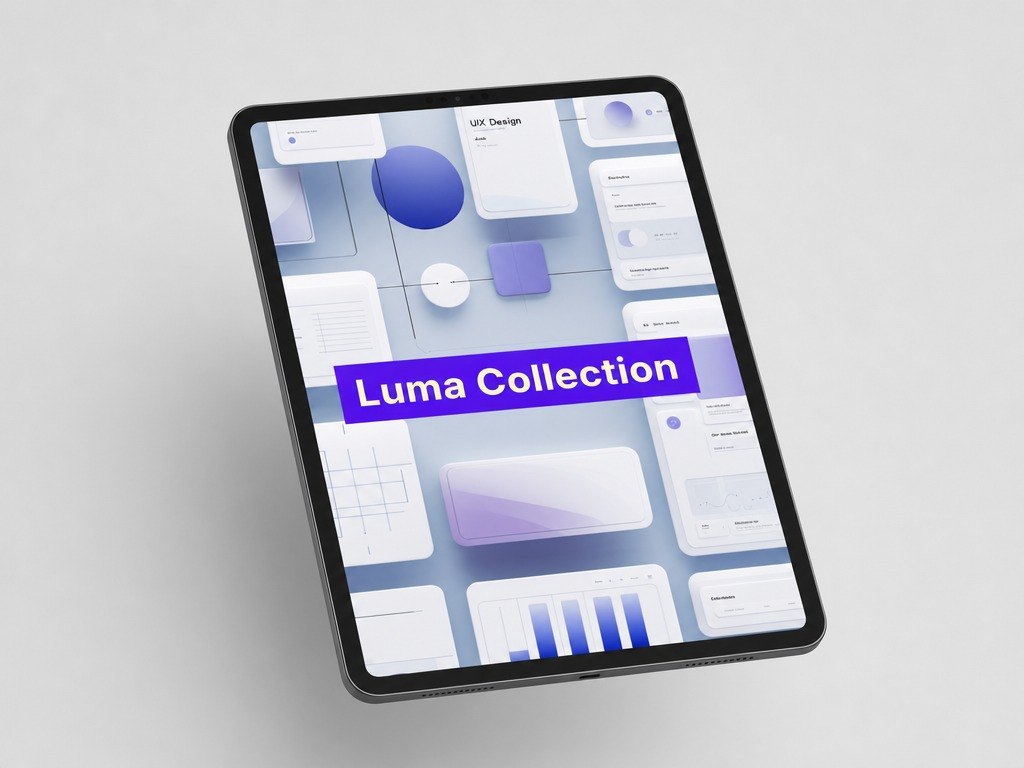
Luma Collection
Luma Collection
Couldn't load pickup availability
- 📁 Digital file available after purchase
- 🗂️ Long-term availability
- 🔐 Secure checkout
- 📝 Content updated in 2026
Self-paced learning overview
1. Problem Statement
After studying basic page structure, another challenge often appears: how to make an interface visually clear without overloading it. Beginners may know which sections should be on a screen, but may not fully understand how spacing, element size, rhythm, and contrast work together. Because of this, a page can feel uneven: some elements draw too much attention while important information gets lost. It can also be difficult to tell when a design feels clean and when it simply feels empty or unfinished. Luma Collection was created to help learners study visual order and make more thoughtful composition decisions.
2. Solution
Luma Collection explains how to build visual hierarchy through size, contrast, space, grouping, and element order. The materials show how the same content can be perceived differently depending on placement and emphasis. Learners study each screen through practical questions: what is noticed first, what supports the main message, and what makes perception harder. The course helps learners understand the balance between aesthetics and function without reducing design to decoration. This collection is for those who want to improve the visual quality of interfaces through structure, observation, and practice.
3. What’s Inside
- Module 1: Screen Visual Hierarchy — how to define primary, secondary, and supporting elements.
- Module 2: Space and Spacing — how distance between elements affects readability and order.
- Module 3: Contrast and Emphasis — how to highlight important details without adding visual noise.
- Module 4: Interface Rhythm — how repetition, grid, and alignment create a sense of unity.
- Module 5: Text in Design — how line length, size, weight, and placement affect perception.
- Module 6: Working With Visual Sections — how to group elements so the page reads in a clear sequence.
- Module 7: Composition Review — how to examine a screen through visual priorities.
- Module 8: Practical Task — how to improve a simple interface structure through spacing, emphasis, and grouping.
4. Who Is This For?
✅ Good fit if you:
- already understand the basic structure of UI/UX design;
- want to work more thoughtfully with screen composition;
- want to notice visual order within pages;
- want to study spacing, contrast, rhythm, and text hierarchy;
- enjoy practical tasks focused on reviewing and improving interfaces.
❌ Not for you if you:
- want only a general introduction to UI/UX;
- do not plan to complete screen review exercises;
- expect claims about career or financial outcomes;
- are looking for learning tied to specific programs or platforms;
- do not want to work with details that affect how an interface is perceived.
5. What You’ll Learn
- Identify primary and secondary elements on a screen.
- Work with spacing so the interface has a clear structure.
- Use contrast for visual emphasis without unnecessary noise.
- Review page composition through rhythm, grid, and alignment.
- Improve readability in text sections.
- Group elements so users can understand information more smoothly.
- Explain why certain visual choices help or complicate interaction.
- Complete a practical review of a simple interface and suggest changes based on visual logic.
6. Support and Return Terms
- You may contact the Uxvionian team within 30 days after purchase if the material format does not match your expectations.
- Requests are reviewed according to the rules listed on the website.
- The team helps with questions about materials, module flow, and learning format.
- Luma Collection does not include loud outcome claims; it offers structured materials for gradual UI/UX skill development.
1. Are the courses suitable if I am just starting with UI/UX design?
1. Are the courses suitable if I am just starting with UI/UX design?
Yes, the materials are structured so learners can move step by step: from basic concepts to more detailed design decisions. Each plan includes a clear learning path that helps explain interface logic, user flows, and visual presentation.
2. Can I study at my own pace?
2. Can I study at my own pace?
3. How are the plans different from each other?
3. How are the plans different from each other?
The plans grow in the amount of materials, number of practical tasks, topic depth, and level of detail. Introductory plans cover the basics, while higher collections include more scenarios, examples, structures, and complex assignments.
Share