Uxvionian
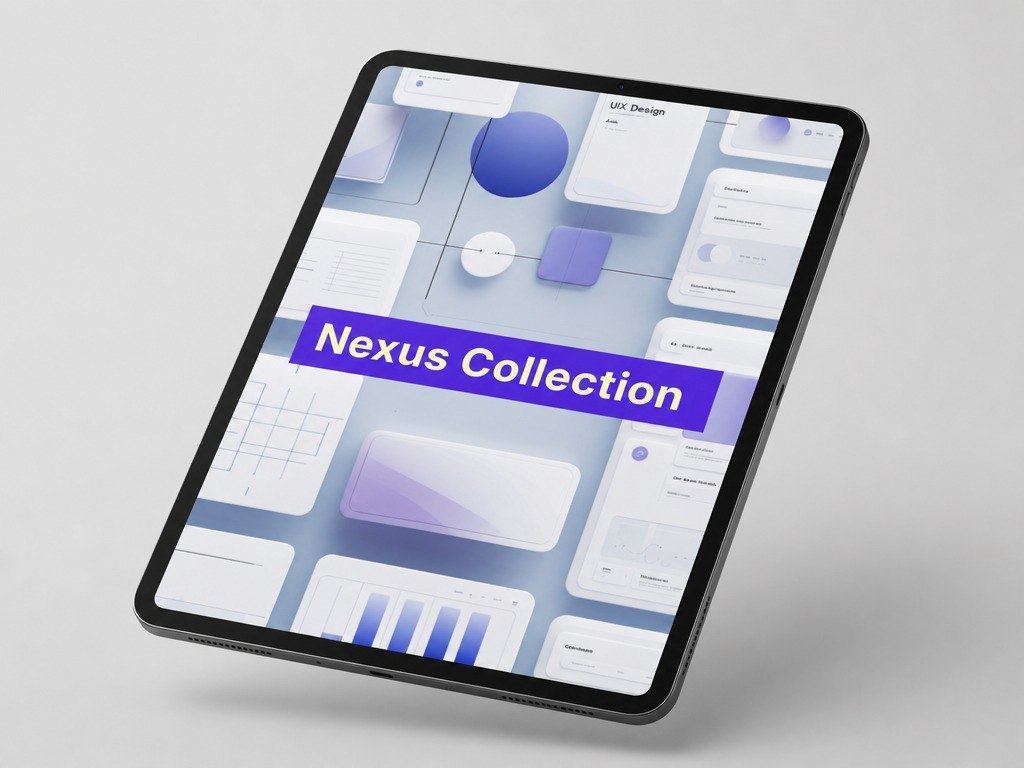
Nexus Collection
Nexus Collection
Couldn't load pickup availability
- 📁 Digital file available after purchase
- 🗂️ Long-term availability
- 🔐 Secure checkout
- 📝 Content updated in 2026
Self-paced learning overview
1. Problem Statement
Once a designer understands basic page structure and visual hierarchy, the next challenge is working with transitions between screens. An interface may look neat on a single screen but lose clarity when the user starts moving through the full path. If buttons, cues, forms, and messages are not logically connected, a person may not understand what happens after each action. Because of this, even a well-presented design can create confusion in a real usage scenario. Nexus Collection was created to help learners view UI/UX design as a sequence of connected steps.
2. Solution
Nexus Collection explains how to build user scenarios from the first entry point to the completion of a main action. The materials show how screens, buttons, forms, messages, and navigation elements can work together. Learners study how to notice gaps in logic: where the user needs more explanation, where an action feels unclear, and where an additional cue may help. The course supports analysis not only of a single screen but of the whole path a person follows inside a digital environment. This collection is for those who want to work more deeply with UX logic, scenarios, and interaction sequence.
3. What’s Inside
- Module 1: Connection Between Screens — how separate pages form one user path.
- Module 2: Entry Points — how the user begins interaction and what should be clear at the start.
- Module 3: Actions and Expectations — how buttons, forms, and transitions can match user expectations.
- Module 4: Screen State After Action — how to show what changed after a click, choice, or form entry.
- Module 5: Cues and Explanations — how to support users without adding too much text.
- Module 6: Scenario Issues — how to notice where the path becomes unclear or interrupted.
- Module 7: User Path Map — how to describe a sequence of actions in a simple scheme.
- Module 8: Practical Task — how to review a small scenario and suggest changes for a clearer sequence.
4. Who Is This For?
✅ Good fit if you:
- already know the basic structure of UI/UX design;
- want to better understand the connection between screens;
- want to work with user scenarios, not only separate pages;
- want to notice logical gaps in an interface;
- enjoy studying user paths through examples and practical exercises.
❌ Not for you if you:
- want only an introductory set without deeper UX logic;
- do not want to work with schemes, scenarios, and action sequences;
- expect claims about career or financial outcomes;
- are looking for learning tied to specific programs or third-party services;
- want to focus only on visual presentation without analyzing user behavior.
5. What You’ll Learn
- Analyze the connection between separate screens.
- Understand how a user scenario is formed.
- Identify where a user may need more explanation or cues.
- Evaluate whether buttons, forms, and transitions match user expectations.
- Notice gaps in interaction logic.
- Create a simple user path map.
- Explain how each screen supports the next step.
- Complete a review of a small scenario and suggest changes for a clearer sequence.
6. Support and Return Terms
- You may contact the Uxvionian team within 30 days after purchase if the material format does not match your expectations.
- Requests are reviewed according to the rules listed on the website.
- The team helps with questions about materials, module flow, and learning format.
- Nexus Collection does not include loud outcome claims; it offers structured materials for gradual UI/UX skill development.
1. Are the courses suitable if I am just starting with UI/UX design?
1. Are the courses suitable if I am just starting with UI/UX design?
Yes, the materials are structured so learners can move step by step: from basic concepts to more detailed design decisions. Each plan includes a clear learning path that helps explain interface logic, user flows, and visual presentation.
2. Can I study at my own pace?
2. Can I study at my own pace?
3. How are the plans different from each other?
3. How are the plans different from each other?
The plans grow in the amount of materials, number of practical tasks, topic depth, and level of detail. Introductory plans cover the basics, while higher collections include more scenarios, examples, structures, and complex assignments.
Share